How to operate the smart lock
How to Lock
Always lift the door handle before attempting to lock the door.
How to Lock from the inside:


- Lift the handle
- Push the button located on the cylinder.
How to Lock from the Outside
- Lift the handle
- Press and hold the Lock button on the keypad


How to Unlock
- From the Inside: Push the button on the cylinder.
- From the Outside: Enter your PIN on the keypad, then press and hold the Lock button.
Recycling and Waste
Please keep waste separated and remember to put out the correct bins and containers on Tuesday night. Colchester City Council only collect one wheelie bin every fortnight (one week it would be the “black” bags bin, the other one the “mixed recycling” bin), so we can’t miss any collection opportunity:
Recyclable (paper, plastic)go in the transparent plastic bags provided (next to the bin in the kitchen), then into the correct recycling wheelie bin we keep outside next to the garden gate.
Glass and cans go in the green open box in the garden (behind the white short wall)
Food goes in the green caddie bin in the garden (just outside the dining room)
Other non-recyclable items go in the black bags provided (next to the bin in the kitchen) which then in turn will go into the correct black wheelie bin we keep outside next to the garden gate
The collection is on Wednesday.
5 August, 19 August, 2 September, 16 September
- Non-recyclable waste (Black bags) – in the wheelie bin
- Food waste in the food container
29 July 2026, 12 August, 26 August, 9 September
- Mixed recycling (Paper/card/plasticts/tins/cans) – in the wheelie bin
- Glass – in the glass container
- Food waste – in the food container
Locations of different items
The thermostat for the heating and hot water is at the bottom of the stairs.
The key to access the summerhouse and the office space is hanging on the French door in the dining room.
The light switch for the downstairs bedroom behind the dining room is on the ceiling above the double glass door.
The consumer unit with the fuse box and switches is in the utility room, in the cupboard to the left.


Wifi and multimedia
The Wi-Fi network is “boxora.co.uk_Guests”, and the password is “18Lc124849”.
There is a 5 G modem near the main TV. Try not to move or rotate it, as its position maximises 5 G reception and Wi-Fi speed.
There are two WIFI extenders: one in the dining room and one upstairs, that optimise the reception.
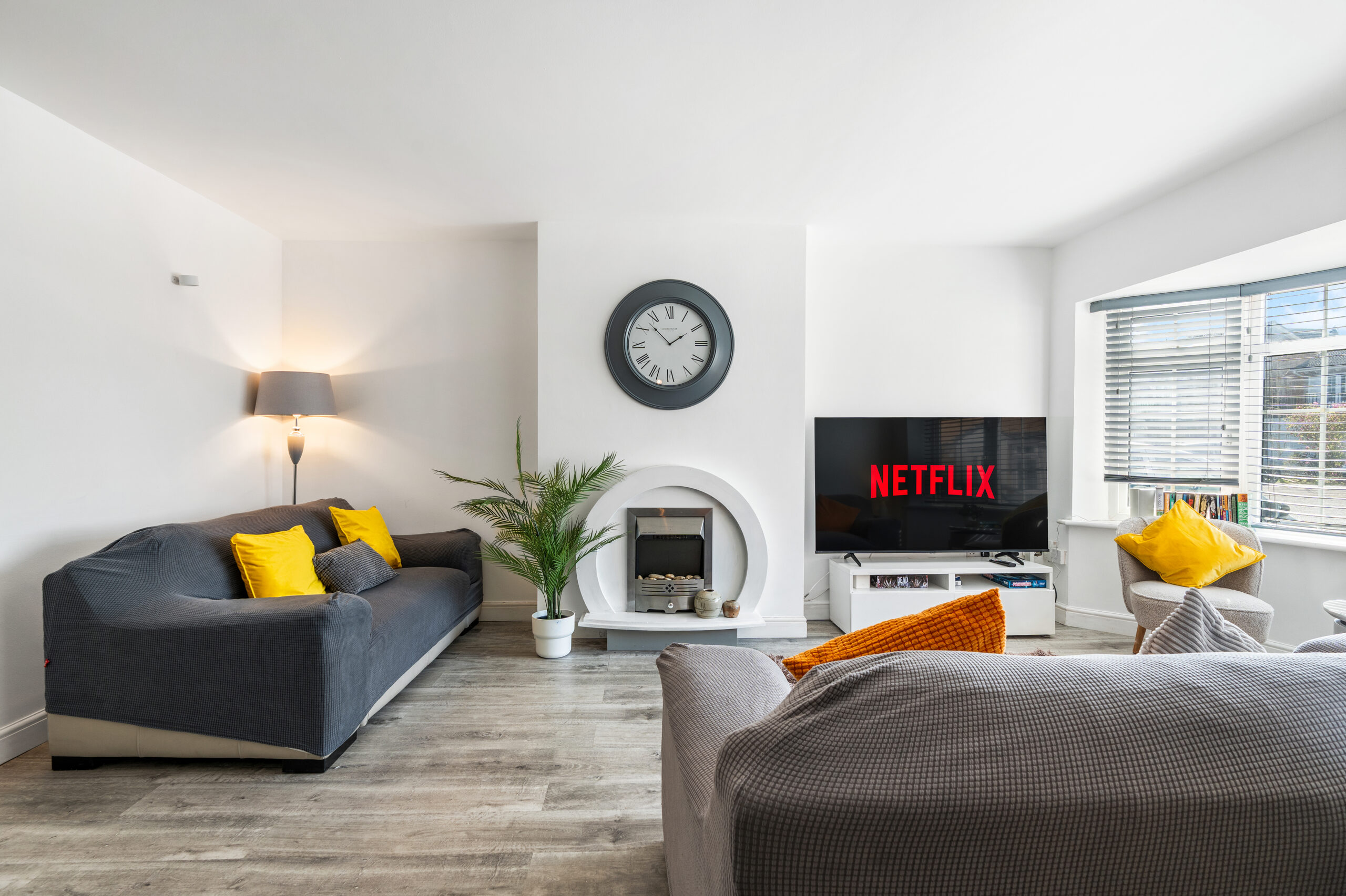
All the TVs can access the free channels through the Freely app (already installed). Netflix can be accessed if the guests already have a subscription.
Kitchen
Feel free to use any ingredient or food found in the cupboards, fridge or freezer.
Bathrooms
If many showers are taken in the upstairs bathrooms, the tank may run out of water, causing a pressure drop in both bathrooms. In that case, please allow the pump 30 minutes to refill the tanks, and everything will return to normal.
Heating and Hot Water
As previously mentioned, the thermostat is at the bottom of the staircase.
The operation is intuitive, but you can find the official manual here.
The Target Temperature you can see on the Hive thermostat refers to the heaters, not to the hot water for the showers. Also please be aware that there is a hot water tank upstairs and that if the guests take many showers then there will be a temporary loss of water pressure upstairs; if this happens please wait 30 minutes before trying to take the next shower.
Please don’t change the settings on the boiler in the utility room.
Please remember to turn off both the hot water and the heating when leaving the house.
For winter months, there is an additional electric fireplace that you can activate first by switching the plug behind the main TV, then by turning on two plugs (one for the heating itself, one for the decorative flame effect) on the side of the fireplace.